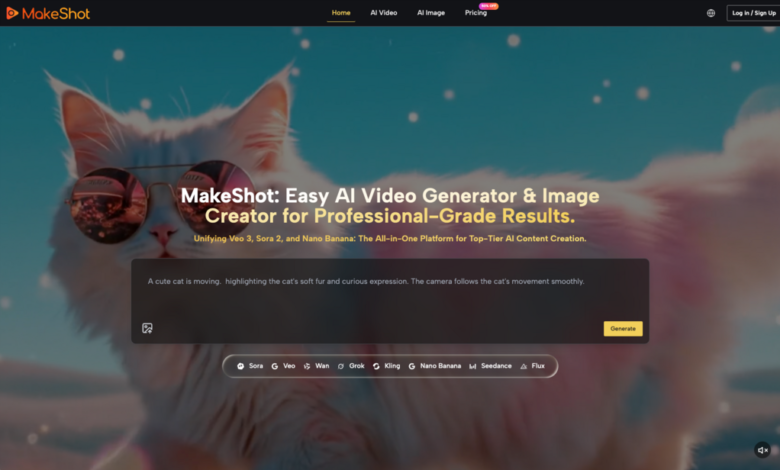
Performance marketing has always been a game of volume. In the social-first landscape, the speed at which creative fatigue sets in dictates the success of a campaign. When a winning hook stops performing, the traditional response involves a costly reshoot or a tedious re-edit of existing footage. The introduction of an AI Video Generator into this workflow changes the math, but only if the operator understands that these tools are not “set and forget” solutions. They are high-velocity iteration engines that require a specific technical discipline.
Success in this space isn’t about finding the perfect prompt on the first try. It is about building a repeatable system that balances prompt engineering, high-fidelity source assets, and rigorous iteration loops. For teams managing six-figure monthly spends, the goal is to reduce the cost per creative variation while maintaining a visual standard that doesn’t scream “generated.”
The Shift from Description to Direction
Early adopters of generative video often treat the prompt box like a search engine or a wish list. They describe a finished product and hope the model interprets the nuances of lighting and physics correctly. However, a systems-minded marketer treats the prompt like a director’s note.
The quality of output from an AI Video Generator depends on the hierarchy of information provided. If you lead with the subject but ignore the camera movement, the model defaults to a static or drifting shot that lacks the kinetic energy required for a high-performing ad. A functional prompt architecture for performance creative usually follows a structured sequence: [Subject] + [Action] + [Environment] + [Camera Technicals] + [Lighting/Aesthetic].
For example, a prompt like “a person drinking soda” is too vague for a commercial asset. A professional-grade prompt would be: “Extreme close-up, 4k, cinematic lighting, a young woman takes a crisp sip of a sparkling beverage, condensation on the glass, sunlight refracting through the liquid, slow-motion 60fps style, shallow depth of field.” By specifying the camera’s relationship to the subject, you reduce the model’s “hallucination” space.
Limitations in Temporal Logic
It is important to reset expectations regarding physics. While an AI Video Generator can produce stunning textures, it often struggles with complex human interactions or multi-step physical processes. If you prompt a character to tie their shoes, you will likely see fingers merging into laces.
Currently, these tools excel at “atmospheric” and “environmental” motion rather than precise mechanical tasks. In our testing, we found that focusing on fluid movements—pouring liquid, wind in hair, or panning across a product—yields a much higher success rate for ad hooks. If your creative strategy relies on a specific, complex manual action, you are likely better off using traditional footage or hyper-specific Image-to-Video workflows rather than pure text-to-video.
Source Assets: The Case for Image-to-Video
For brand-conscious marketers, pure text-to-video is often too chaotic. You cannot guarantee that a character’s face or a product’s packaging will remain consistent across different prompt iterations. This is where the Image-to-Video (Img2Vid) workflow becomes the superior choice.
By starting with a high-quality, brand-approved static image generated in a tool like Flux or captured in a studio, you provide the AI Video Generator with a rigid structural “seed.” The model no longer has to invent the identity of the subject; it only has to calculate the most probable path of motion for the pixels already present.
This approach solves the primary hurdle of creative testing: consistency. If you need ten variations of a product video for A/B testing, starting with the same source image and varying only the motion prompts ensures that the product itself remains the hero of the shot. This reduces the cognitive load on the viewer and keeps the brand identity intact.
Structuring the Iteration Loop
In a commercial environment, time is a resource as valuable as GPU credits. An undisciplined iteration loop—where an operator changes three variables at once—is a recipe for wasted budget.
A high-output workflow should be partitioned into three distinct phases:
1. The Geometry Phase: Use low-resolution passes to test the basic composition and movement. Does the camera pan the way you want? Does the subject move naturally? If the “bones” of the video are wrong, no amount of prompt tweaking will fix the final render.
2. The Aesthetic Phase: Once the movement is locked, introduce lighting and texture keywords. This is where you dial in the “high-end” look, moving from a generic digital feel to a cinematic or film-stock aesthetic.
3. The Upscaling Phase: Only when the motion and look are verified do you commit to the high-resolution, high-frame-rate render.
This tiered approach prevents the common mistake of waiting for a 1080p render only to realize the character’s movement is unusable. It’s about failing fast at a low cost so that your final “spend” is on a validated asset.
The Reality of Artifacting and Quality Control
Even with the best AI Video Generator, you will encounter artifacts. These range from “ghosting” (where objects leave trails) to “morphing” (where an object transforms into something else).
There is an inherent uncertainty in how models handle high-motion prompts. While a prompt might specify a “fast-moving car,” the model may struggle to maintain the car’s shape against a blurred background. When this happens, the solution is rarely “more prompting.” Instead, the fix is usually found in the “Motion Strength” settings or by simplifying the background.
It is also worth noting that current AI video models rarely produce a perfect 5-second clip that can be used raw. Most professional workflows involve “cherry-picking” the best 1.5 to 2 seconds of a generated clip and using them as the high-impact hook in a larger edit. Expecting a single prompt to generate a complete, narrative-ready scene is a misunderstanding of where the technology currently sits.
Commercial Application: Rapid Hooks for Social
The most immediate use case for an AI Video Generator in performance marketing is the “Hook Refresh.” If an ad’s performance drops, the bottleneck is usually the first three seconds.
By using generative tools, a creative team can take a static product shot and generate twenty different dynamic hooks in an afternoon. One version might involve the product emerging from a cloud of neon smoke; another might feature a slow-motion macro shot of the product’s texture. This allows for a level of creative exploration that was previously cost-prohibitive.
However, a word of caution: the “AI look” can sometimes trigger a negative response from certain demographics. To mitigate this, many operators are now using “Film Grain,” “Handheld Camera Shake,” and “Motion Blur” prompts to ground the digital output in a more traditional, organic aesthetic. The goal is for the viewer to focus on the product, not the technology used to create the video.
Managing the Technical Stack
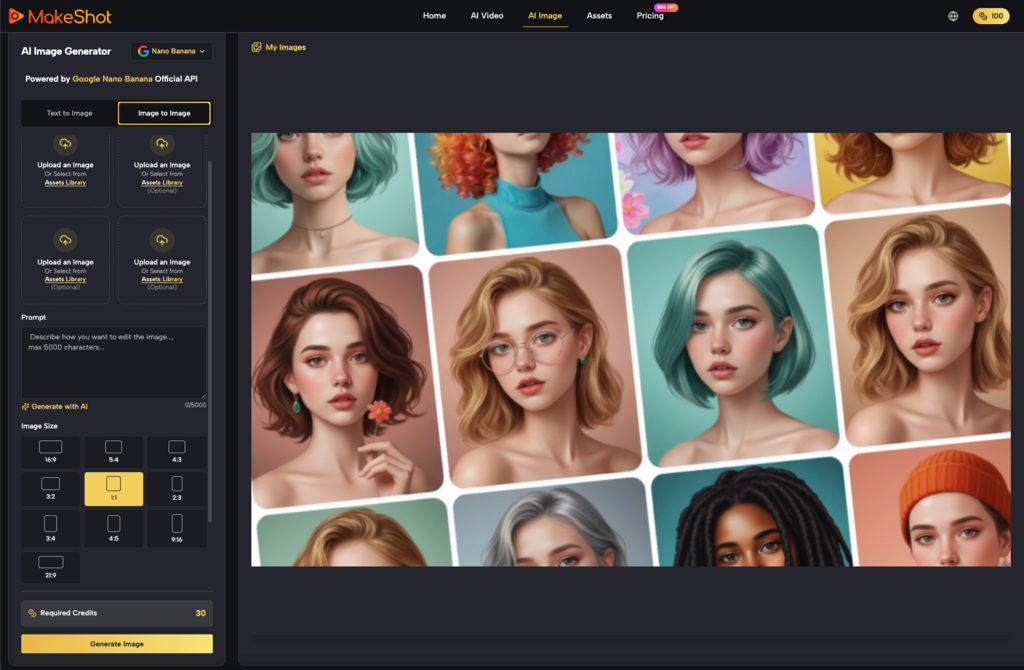
As the landscape matures, we are seeing a shift toward unified platforms that aggregate different models like Kling, Runway, and Google’s Veo. For a performance marketing team, the specific model matters less than the interface and the ability to manage assets.
A “systems-minded” operator doesn’t care about the brand name of the underlying model as much as the “steerability” of the tool. Can you control the camera path? Can you lock the seed? Can you perform an “in-paint” to fix a specific area of the frame? These are the features that separate a toy from a professional tool.
Refining the Creative Pipeline
Integrating AI video into a production pipeline isn’t about replacing editors; it’s about changing their input. Instead of spending hours masking a subject or keyframing a pan, an editor becomes an orchestrator. They manage the flow of assets from the AI Video Generator into the final edit, applying color grades and sound design that unify the generated clips with traditional footage.
The most successful teams we’ve observed are those that treat AI-generated clips as “digital b-roll.” They don’t try to build the entire ad in the prompt box. They use the AI to create the impossible shots—the macro liquid explosions, the surreal environments, the hyper-kinetic transitions—and then anchor those shots with human elements and clear calls to action.
Final Practical Considerations
When implementing these tools, start by auditing your existing top-performing ads. Identify the “moments of impact.” Can those moments be replicated or enhanced by an AI Video Generator?
If your best-performing ad features a person talking to the camera, AI video might not be your primary tool yet, as lip-sync and facial micro-expressions are still in the early stages of refinement. But if your best ad features product close-ups and lifestyle montages, you are in the “sweet spot” for generative video.
The key is to stop viewing AI video as a shortcut and start viewing it as a new medium. Like any medium, it has its own rules, its own limitations, and its own unique strengths. The marketers who master the prompt technique and the iteration loop today will be the ones who can maintain creative volume without the exponential increase in overhead that traditionally accompanies scale.
Success is found in the middle ground between the “magic button” myth and the “it’s not ready yet” skepticism. The tech is ready for production, provided the operator knows how to steer it. Focus on the Image-to-Video workflow for brand safety, use tiered iteration to save on credits, and always keep a sharp eye on the physics of the final render. In the high-stakes environment of performance marketing, quality is a variable you can control, provided you have the right system in place.